Back in 2020, hunching over a 13-inch laptop at a kitchen island felt like a temporary improvisation. Six years later, working from home two to five days a week is standard infrastructure—and physical therapists, optometrists, and home-office budgets are still paying the price for makeshift setups. Chronic “tech neck,” lower-back stiffness, glare headaches, and repetitive wrist strain don’t show up after one long Tuesday; they accumulate quietly across thousand-hour workyears.
Building a genuinely sustainable home workspace doesn’t require turning your spare bedroom into a $6,000 showroom. What it requires is getting four fundamentals right—neutral ergonomic geometry grounded in OSHA’s Computer Workstations framework, glare-free lighting and audio built for camera-on presence, movement habits that prevent static fatigue, and boringly reliable connectivity.
1. Neutral Geometry: Screen, Chair, and Wrists
The core insight behind OSHA’s neutral-posture guidelines is simple: joints carry the least cumulative load when your head balances directly over your spine, shoulders hang relaxed, and forearms stay roughly parallel to the floor. Trying to accomplish that on a bare laptop is physically impossible—if the keyboard sits low enough for neutral wrists, the screen forces your chin down into your chest.
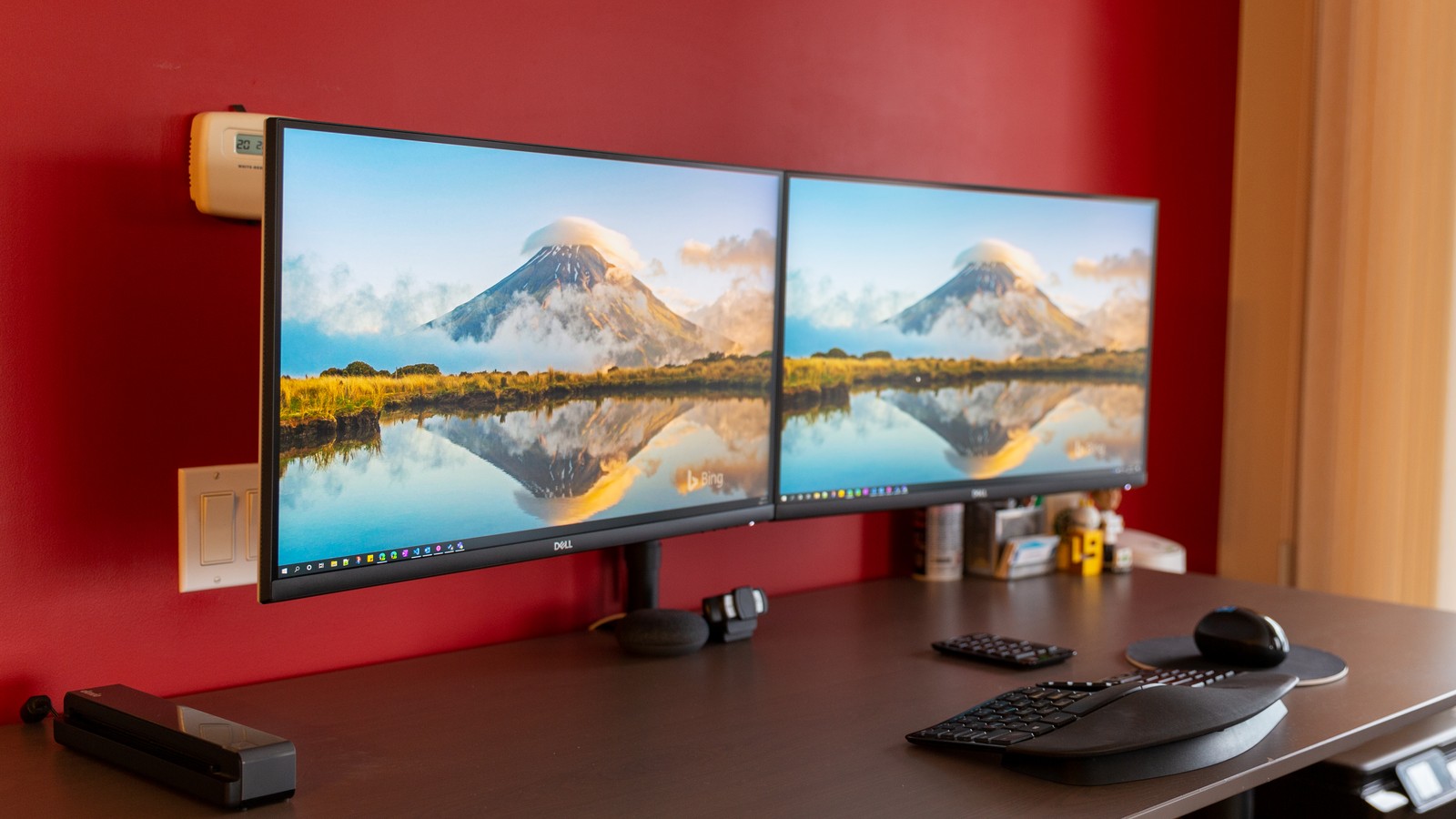
- Eye-level external monitor: Position the top bezel of your primary display at or slightly below eye level, roughly an arm’s length (20 to 40 inches) away, directly in front of your chair rather than angled off to one side.
- Task chair and lumbar fit: As outlined in OSHA’s chair adjustment checklist, adjust seat height so your feet rest flat on the floor (or a solid footrest) with thighs parallel to the ground, lumbar support tucked into the lower-back curve, and armrests set so elbows rest comfortably near a 90-to-120-degree angle without shrugging.
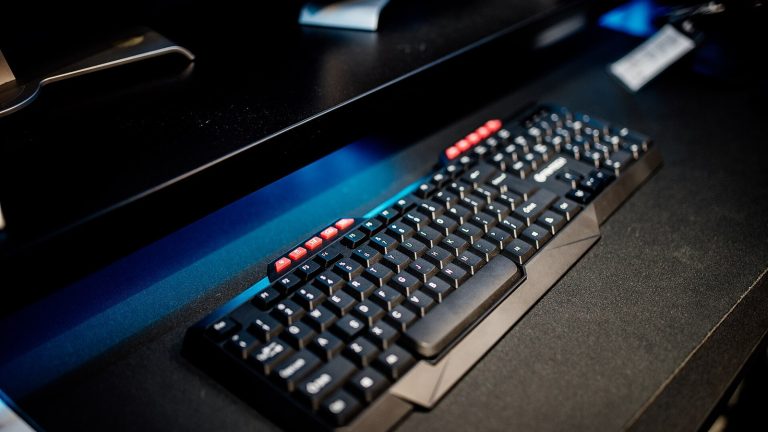
- External keyboard and close mouse placement: Keep your mouse right beside the keyboard—not stretched out past a wide numeric keypad—so your shoulder doesn’t externally rotate all afternoon.
2. Lighting, Camera Angle, and Acoustic Calm
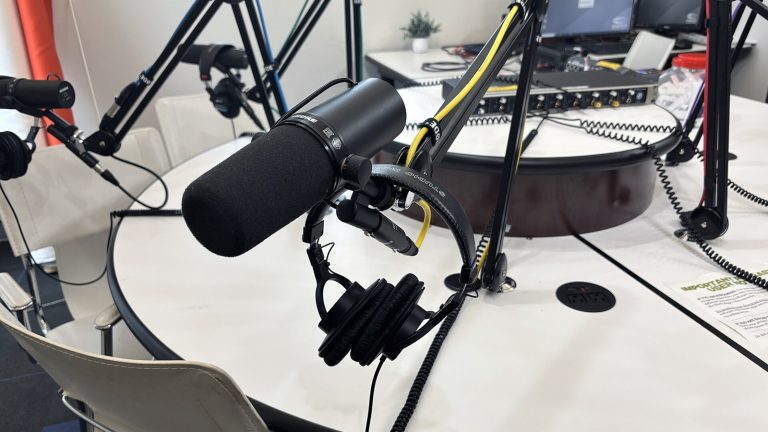
A subtle shift in 2026 remote setups is treating camera and microphone clarity as part of career visibility—especially on hybrid teams where in-office peers sit inside acoustically treated conference rooms. Putting a bright window directly behind your shoulders turns your face into a silhouette, while ceiling downlights cast harsh shadows under your eyes.
Follow OSHA’s glare guidance by placing your desk perpendicular to windows rather than backing straight into them, then place a soft diffused key light slightly behind and above your monitor. Pair that with an eye-level external webcam and a dynamic USB or desk-arm microphone—or clean noise-canceling headset—plus soft room furnishings (a rug, curtains, or two acoustic felt panels) to tame hollow bedroom echo. Suddenly, you sound and look calm, crisp, and authoritative on every client or leadership call.
| Setup Layer | Practical Baseline Target | Why It Pays Back |
|---|---|---|
| Monitor & Input | 27″ external display at eye level + external keyboard/mouse | Eliminates neck flexion & wrist extension strain |
| Seating & Desk | Adjustable lumbar chair; sit-stand desk or under-desk tray | Supports posture changes every 30–60 minutes |
| Optics & Audio | Perpendicular window + soft front light + directional mic | Cuts eye glare and boosts hybrid meeting presence |
| Power & Network | Wired Ethernet (or Wi-Fi 6E mesh) + UPS battery + phone hotspot | Prevents dropped calls during brief ISP or grid blips |
3. Micro-Breaks and Cognitive Ergonomics
Even the finest Herman Miller or Steelcase chair hurts if you stay frozen in it for four straight hours. OSHA emphasizes that static posture itself—sitting or standing motionless—drives muscle fatigue. Pair a standing-desk timer or natural task breaks with the 20-20-20 visual rule (every 20 minutes, focus 20 feet away for 20 seconds) and step away from your desk between video blocks. Just as important is cable and workspace discipline: dedicating a clean surface solely to work—and physically shutting the lid or turning off desk task lights at 6 p.m.—keeps cognitive stress from bleeding into evening rest.
4. Fail-Safe Power and Connectivity
Finally, the unglamorous backbone of a stress-free home office is redundancy. Running a hardwired Ethernet cable from your router or mesh node to a Thunderbolt/USB-C dock instantly cuts jitter on screenshares and removes random Wi-Fi dropoffs when someone else in the house streams video or runs a microwave. Add an inexpensive uninterruptible power supply (UPS) under the desk to keep your router, modem, and primary monitor alive through five-minute neighborhood power flickers, and keep a tested 5G mobile hotspot ready as backup.
If your employer offers an annual remote-office or wellness stipend, prioritize ergonomic seating, a proper monitor arm, and power/network stability before upgrading decorative desk gadgets. Take fifteen minutes on a Sunday afternoon to measure desk-to-elbow height, test your camera frame under real afternoon window light, and confirm your mobile hotspot tethers smoothly to your work laptop. Spend your budget on neutral geometry, clean front lighting, and zero-drop basics first—your neck, eyes, and calendar will thank you for years.