Most “dream home office” guides assume you have a dedicated spare bedroom, twelve feet of empty wall space, and total household silence from 9 a.m. to 5 p.m. For millions of remote professionals living in urban condos, shared apartments, or family homes—from Manila and Singapore to Sydney, London, and New York—reality looks closer to a four-foot corner beside a dining table or bedroom window.
Building a reliable, comfortable workspace inside tight square footage doesn’t require knocking down walls. As distributed-work benchmarks compiled by Gloroots reinforce, sustained remote performance depends on reliable daily environments—shifting from decorative furniture to modular, infrastructure-grade ergonomics and acoustic discipline—so your desk delivers crisp video calls, pain-free posture, and secure connectivity by day, then vanishes visually when the workday ends.
Reclaiming Desk Surface With Vertical and Clamp-Mounted Hardware
On a compact 100 cm × 60 cm desk, traditional monitor stands and tangled laptop bricks chew up nearly half your usable depth, forcing your keyboard too close to the edge and cramping your wrists. Following basic posture geometry from the OSHA Computer Workstations eTool, swapping a factory monitor base for a single clamp-mounted gas-spring monitor arm instantly frees the entire surface underneath while letting you raise the display so the top bezel sits cleanly at eye level.
Three space-saving hardware swaps deliver outsized returns in small rooms:
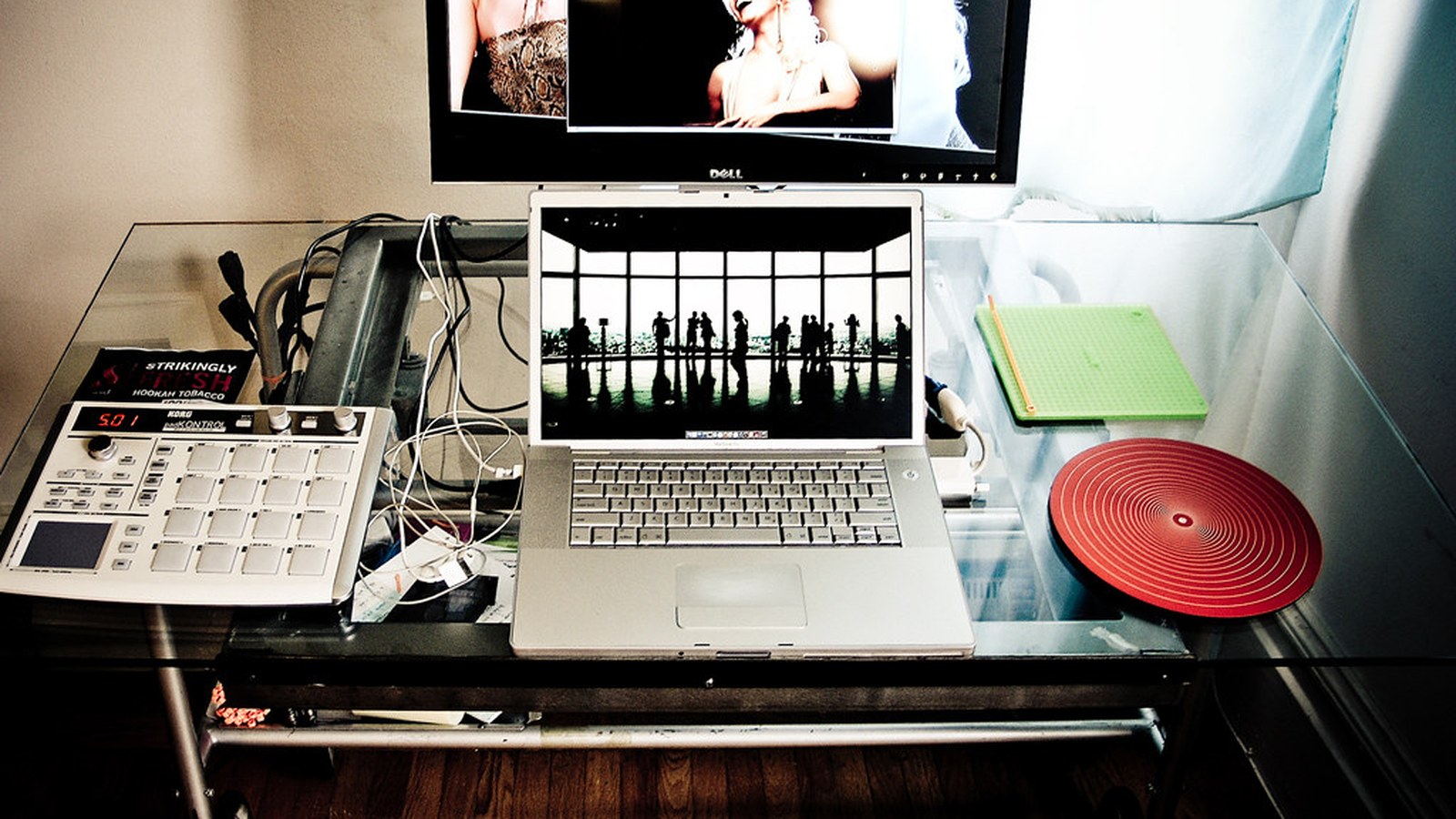
- Vertical laptop docks and single-cable USB-C hubs: Parking your laptop upright behind the main screen cuts clutter to one power-and-display cable, letting you switch cleanly between work and personal machines in seconds.
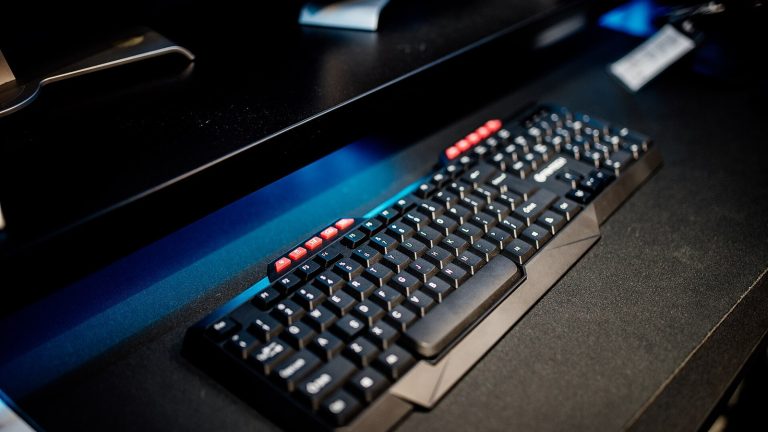
- Tenkeyless (TKL) or 75% mechanical keyboards: Dropping the seldom-used numeric keypad pulls your mouse closer to shoulder width, preventing awkward outward shoulder rotation during long spreadsheets or coding blocks.
- Clip-on monitor light bars: Replacing bulky desk lamps with an asymmetric screen-top light bar illuminates your notebook and keyboard evenly without casting glare onto your display or eating desk space.
Solving Shared-Apartment Noise Without Ugly Foam Studios
Ask anyone working beside a roommate, partner, or city street what ruins remote concentration fastest, and acoustic bleed beats bad chairs every time. Hard apartment walls, tile floors, and bare glass windows bounce voices around like an echo chamber—turning every Zoom stand-up into an unintended broadcast for the whole flat.
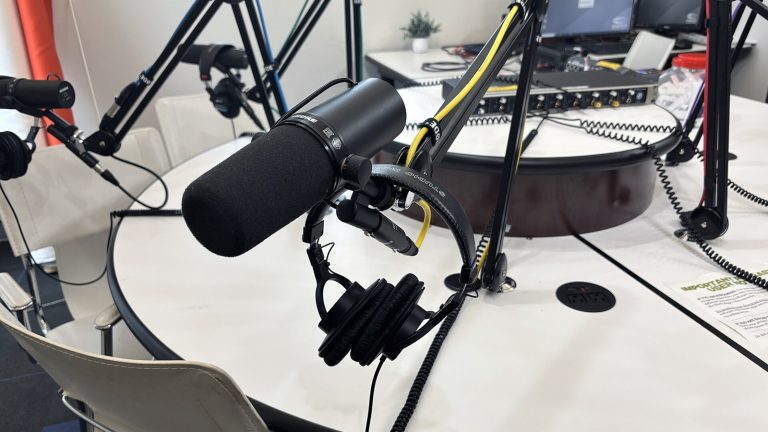
Fortunately, basic room acoustics respond fast to targeted soft surfaces. Hanging heavy pleated curtains over street-facing glass, laying a dense woven rug beneath your rolling chair, and mounting tasteful felt acoustic pinboards behind your monitor dampen high-frequency echo dramatically without turning your living room into a recording booth. Pair those room fixes with a directional dynamic USB microphone (which rejects side-room chatter far better than built-in laptop mics) and active-noise-canceling headphones with hardware mute buttons.
Security-First Connectivity for Shared and Mobile Setups
As Splashtop’s 2026 remote infrastructure overview emphasizes, modern distributed work runs on zero-trust connectivity regardless of whether you work from a studio apartment or rotate through neighborhood coworking spaces. On shared apartment Wi-Fi—especially when roommates stream 4K video or game during your client presentation—prioritize two upgrades: run a dedicated Ethernet cable or tri-band Wi-Fi 6E/7 mesh node close to your desk, and enable router QoS (Quality of Service) rules favoring video conferencing traffic.
Equally important, protect work sessions with company-mandated VPN tunnels, Single Sign-On (SSO), and hardware-backed two-factor authentication (such as FIDO2 security keys), while positioning your screen at an angle away from shared hallways or open windows. A simple magnetic privacy filter keeps sensitive client decks unreadable to anyone walking behind you.
Coordinating Shared Schedules With Housemates or Partners
Even the smartest acoustic panels and clamp-mounted monitors won’t solve shared-apartment friction without basic household coordination. Successful apartment remote workers borrow lightweight studio norms: share a simple color-coded call calendar at breakfast so roommates know when high-stakes client pitches require quiet kitchen time; use a warm subtle desk indicator light outside shared spaces during live video calls; and keep an emergency café or neighborhood coworking day pass in mind for overlapping all-hands meetings. Small, courteous rituals prevent resentment inside tight urban spaces far better than rigid house rules.
Remember too that compact setups benefit hugely from mobility: a lightweight laptop sleeve, compact GaN travel charger, and foldable stand let you shift seamlessly to a quiet library or coworking lounge whenever apartment construction or family visits make home focus impossible.
Protecting Psychological Boundaries When Your Desk Is in Your Bedroom
When your laptop sits five feet from your pillow, burnout creeps in through visual reminders: seeing glowing monitor LEDs at 10 p.m. tricks your brain into staying “on call.” Create a crisp shutdown ritual tailored to small spaces. Close the laptop lid, tuck mouse and headset into a single felt desk caddy, switch your monitor light bar off, and change the room’s lighting from cool 5000K daylight bulbs to warm 2700K evening lamps. Even a two-minute physical reset signals clearly to both you and your housemates that the workday has ended.